Display images in a grid with optional titles and content. The title can be above the image, below the image, centered on the image, or positioned on the bottom of the image. The content is displayed below the image.
Available block configurations include:
| Fields | Description |
|---|---|
| Margin | The type of margin spacing to include above and below the block. |
| Width | The width of the block content. Full, Regular, Narrow, or Small. |
| Title text position | Where to position the title for each column. Site default (configured in Theme Editor), Above image, Center of image, Bottom of image, or Below image. |
| Number of columns | The number of columns for the desktop grid. Site default (configured in the Theme Editor), Auto (determined based on the number of items), or 2-6. |
| Image aspect ratio | The aspect ratio to crop the image to. Site default (configured in the Theme Editor) or different aspect ratios. |
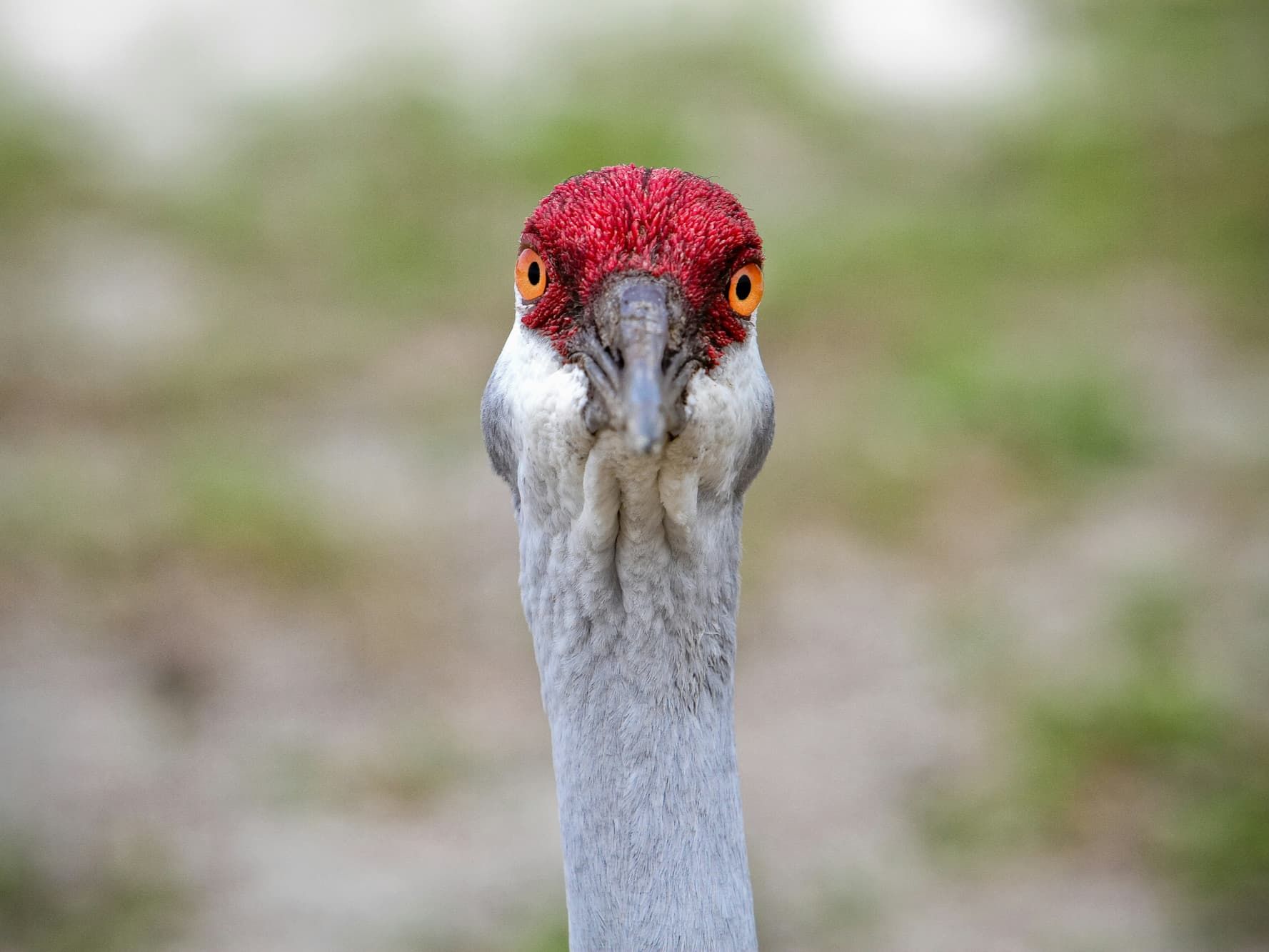
Crazy Bird
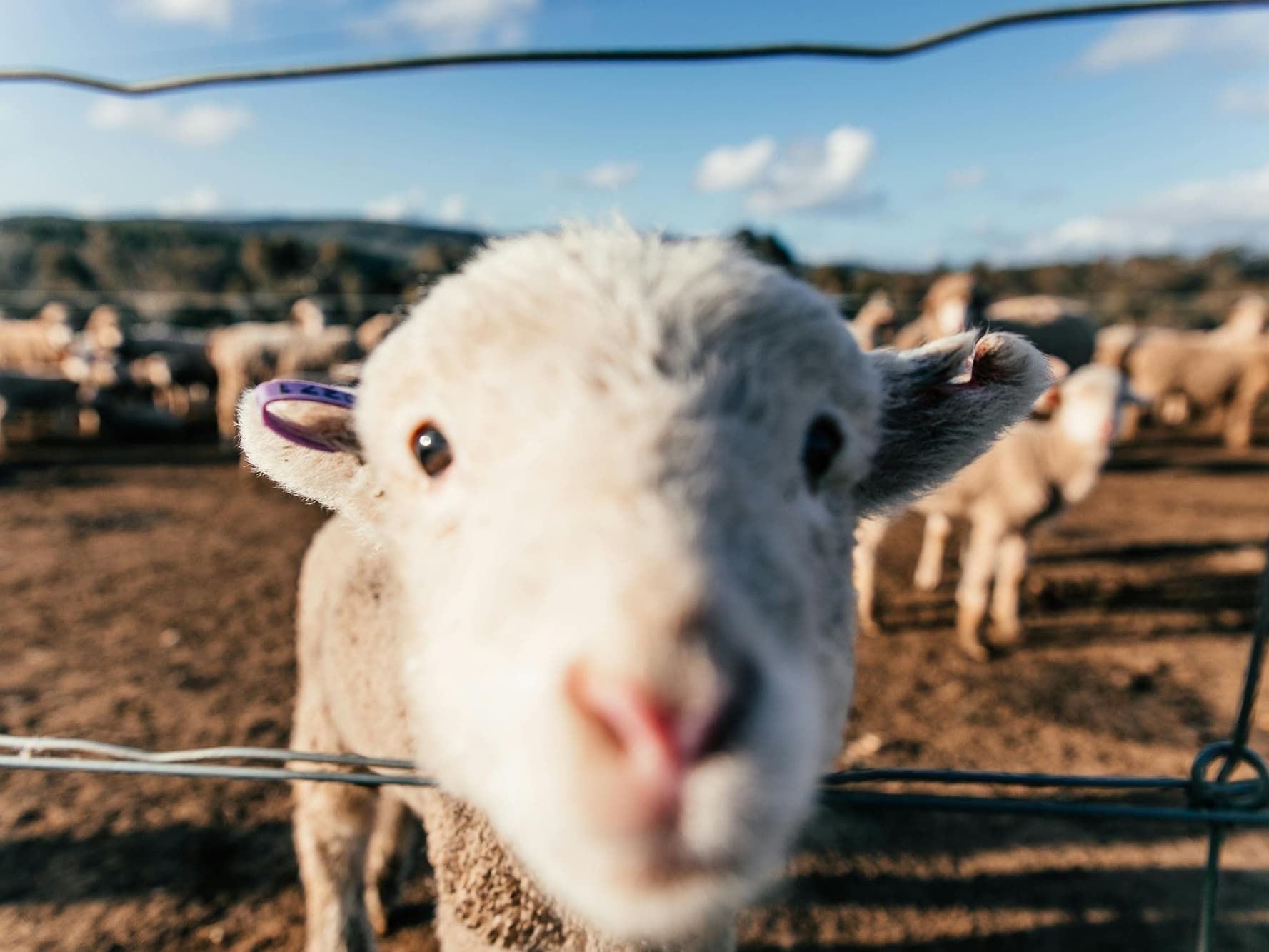
Silly Sheep
Far away Cat

Far away Cat
Silly Sheep
Crazy Bird